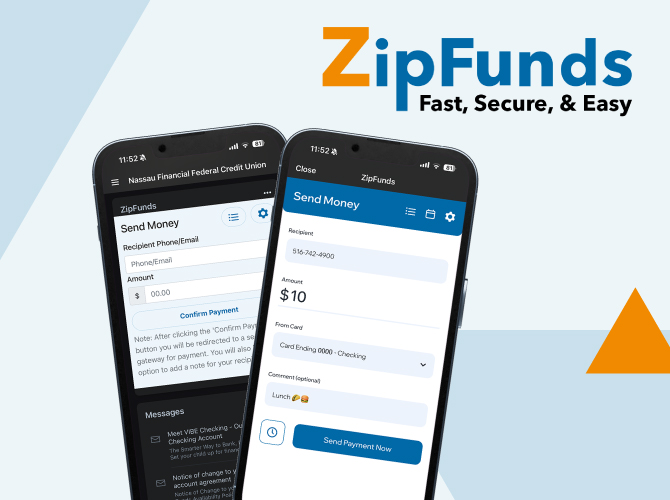
woman holding a smartphone

ZipFunds

Person-to-person payments made easy.

Send Money Fast

Introducing ZipFunds, the quick and seamless way to send money directly from your Nassau Financial account. Whether you're splitting a dinner bill, paying a friend, or covering a shared expense, ZipFunds makes it fast, secure, and hassle-free.

Fast

  • Send payments instantly to anyone—friends, family, or vendors.

Secure

  • Stay safe with advanced encryption built into our Online Banking platform.

Easy

  • Save time—no need for checks, cash, or third-party apps.


How it works

Sending and receiving money is easier than you think:
  1. Log into Nassau Financial Online Banking.
  2. Select the "ZipFunds" widget in your dashboard.

  3. Enter the recipient's information and the payment amount.

  4. Confirm the transfer—it’s that simple!

Why Choose ZipFunds?

We've made it easy for you send money quickly and securely to anyone:

  • Integrated within Nassau Financial’s trusted Online Banking system.
  • No hidden fees or complicated setup.
  • Available 24/7, so you can send money whenever you need.
Frequently asked questions:
  1. Is ZipFunds free?
    Yes! ZipFunds is found within Online Banking with your Nassau Financial Savings and Checking account. There is no cost to use ZipFunds. 
  2. How do I access ZipFunds?
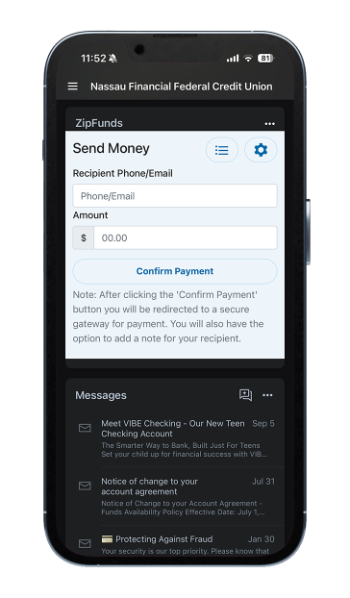
    Simply log in to your Online Banking account on your phone, tablet or desktop and locate the ZipFunds tile.
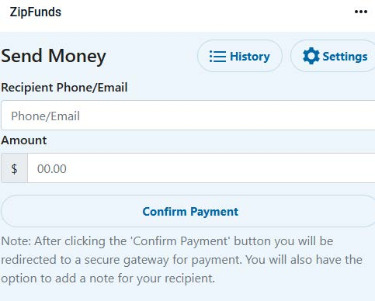
    Zipfunds send money tile
  3. How do I send money with ZipFunds?
    1. Log in to your Online Banking account and locate the ZipFunds tile.
    2. Enter the recipient's phone number or email address, and the amount you'd like to send.
    3. Select "Confirm Payment".
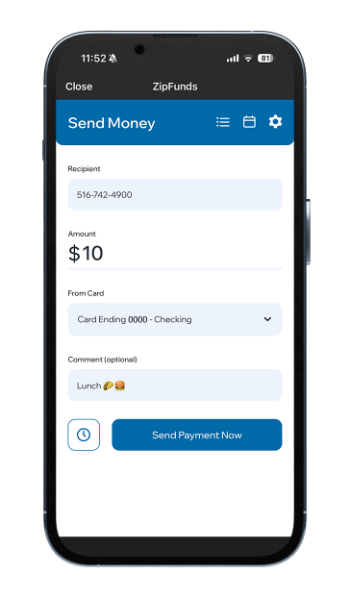
    4. Verify the information is correct, including where you would like funds to be withdrawn from. (You also have the option to schedule recurring payments via the clock icon.)
    5. Select "Submit Payment Now"
    6. A confirmation screen will appear with all of your payment details.
  4. How will my friend or family member receive my payment?
    1. If funds were sent to a mobile number, the recipient will receive a text message. If funds were sent to an email address, an email will be received by the recipient:
      1. If the recipient is "In Network", funds will be deposited into the account associated with that mobile number or email address.
      2. If the recipient is "Out of Network", a link will be provided for the recipient to choose how they would like to receive their funds: directly to their debit card, or by selecting a gift card.
  5. Can recipients decline funds sent to them?
    Yes. Recipients can decline funds if they are "Out of Network" directly from the link they receive and choose not to accept the transfer.
  6. Are there limitations for sending funds?
    We have set limitations for transactions:
    1. Daily Limit: 5 transactions/$1,000
    2. Weekly Limit: 35 transactions/$5,000
    3. Monthly Limit: 50 transactions/$20,000


Disclosures
ZipFunds is available only to Nassau Financial Members, accessible via Online & Mobile Banking. Some limitations may apply. $1,000 daily transactions, limited to 5 transactions per day. $5,000 weekly transactions, limited to 35 transactions per week. $20,000 monthly transactions, limited to 50 transactions per month. Minimum transfer amount is $1.00. Two (2) business day timeout for recipients to accept payments.